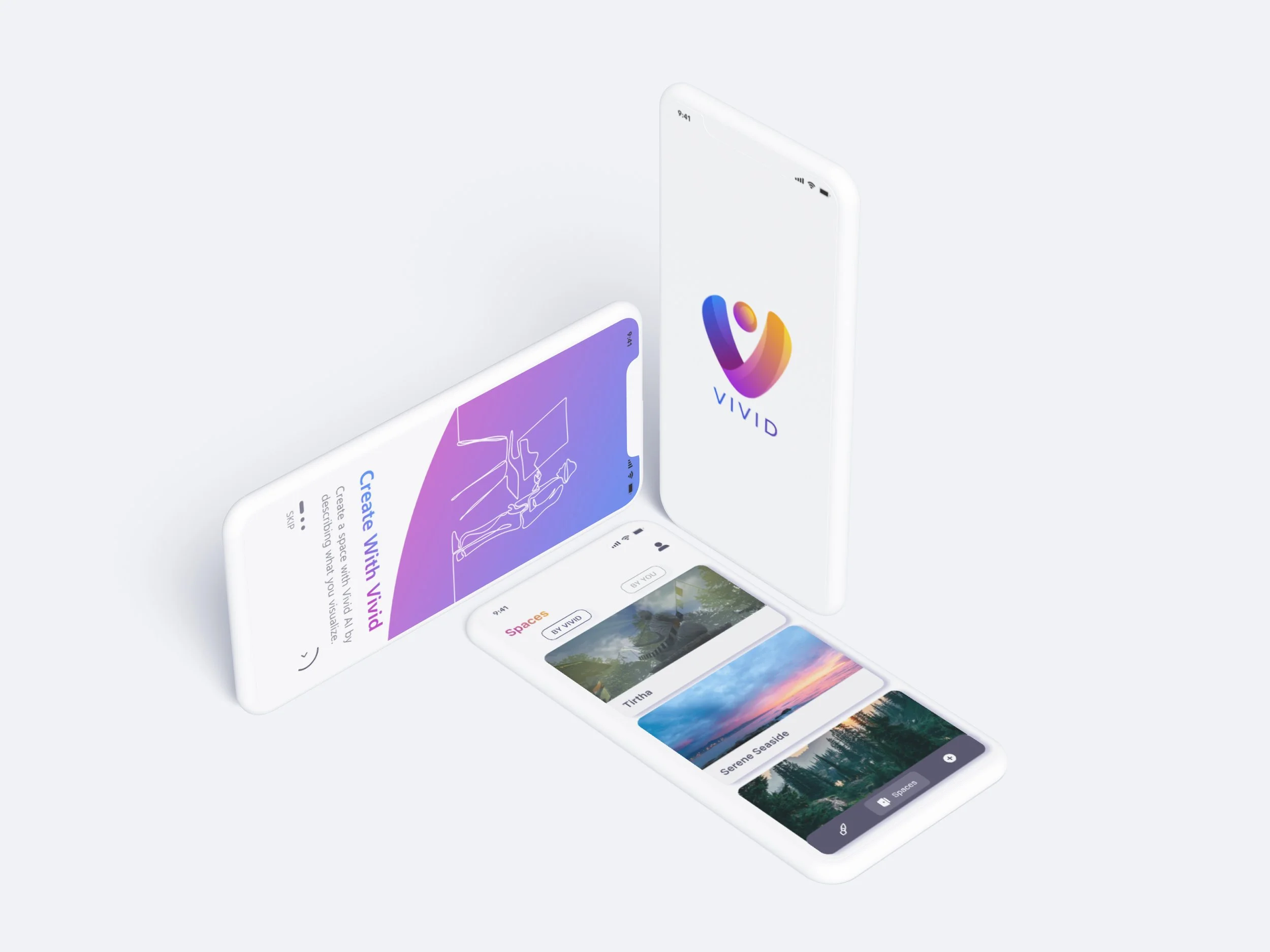
Vivid app is a collaboration between virtual space
creation and mental wellbeing.
It is designed to provide an affordable and
immersive VR experience on a smartphone.
Tasks
Ideation
Research
UI + UX
Wireframing and Prototyping
Creating 3D rendered spaces for the Prototype
Tools
Figma
Photoshop
Illustrator
Blender
Vivid
Virtual Space creation and Wellbeing
For my Master Thesis, I decided to explore the creative aspect of virtual spaces.
Virtual Space Architecture(in the metaverse) has to be more creative and visually appealing to attract users rather than creating identical real-life structures in the digital world.
The Initial Idea
The goal was to create a tool for the users that will take on the challenge of experimenting with the architectural aspect of the virtual spaces without taking the creative control away from the users.
The product will provide virtual environment for various events and user groups ranging from students to individuals organizing events and creating workspaces.
Research Findings that helped shape the concept
The research process helped identify key aspects to focus on while creating the product :
Seamless
The creative process of the virtual space has to be smooth.
Specific
The product should be a domain specific tool to ensure functionality and purpose.
Affordable
The product should provide an affordable VR experience with the help of existing devices.
Balanced
The product must provide a balanced set of features to not overwhelm the users.
A survey was conducted among the age group of 25-40.
25 people participated in the survey.
The findings indicated that the users have a decent level of understanding about the new technologies.
Mental Wellbeing could be a new domain to focus on in the metaverse as it’s still not popular but people have the awareness.
The Process

VR compatible smartphone
The users will need a smartphone that supports VR mode and install the Vivid app.

Explore/Create Spaces
Users can create their space with AI or they can just select the existing spaces provided by the app.

VR Cardboard headset
This is an important and a cheap add on which is essential for the VR experience. The users will place the phone inside the headset after setting everything up on the app.
After concluding primary and secondary research, the following structure was decided for the application. It includes the 3 key features provided by the application.
The users can create their own space and enter the created virtual space to meditate.
Beginners could directly enter the existing virtual spaces provided by Vivid and Meditate.
The Upload feature allows users to add their own assets to Vivid library and use them if they choose to personalize the virtual spaces.
Application Screens
Splash Screen and Onboarding
Navigation Screens
Create with AI
The users can describe the virtual space they would like to create with keywords and Vivid AI would generate a 3D space based on the description.
Existing Virtual Spaces
Vivid has numerous pre-made AI virtual spaces that are provided by the application for the user to directly get started with their wellbeing journey.
Upload and Library
Upload allows users to add assets like images, audio, and 3D models that they would like in the virtual spaces they create. Assets could be uploaded and saved in the Library.
Virtual Space Preferences
Before initiating the session, the user is redirected to the ‘preferences’ screen where the user can personalize the virtual space by changing the parameters.
When the User presses ‘Start Session’, the app starts rendering the Virtual space. Meanwhile, the user can put the phone in the VR carboard device and put the headset on.

Creating a space using Vivid Ai
User describes the virtual space with keywords and the Ai generates a few results based on the description by the user.
Once the user sets up the parameters after selecting the space, the phone can be placed inside the VR box and the user can start meditating.
Using Existing Spaces by Vivid
User can select the existing spaces from spaces “By Vivid“ tab and start the session after setting everything up based on the user preferences.